Integrating printing and assembly
Connect feeding, printing, curing, inspection and assembly in one product flow. Understand how the handovers and time available at each station affect the complete machine.
Explore system integration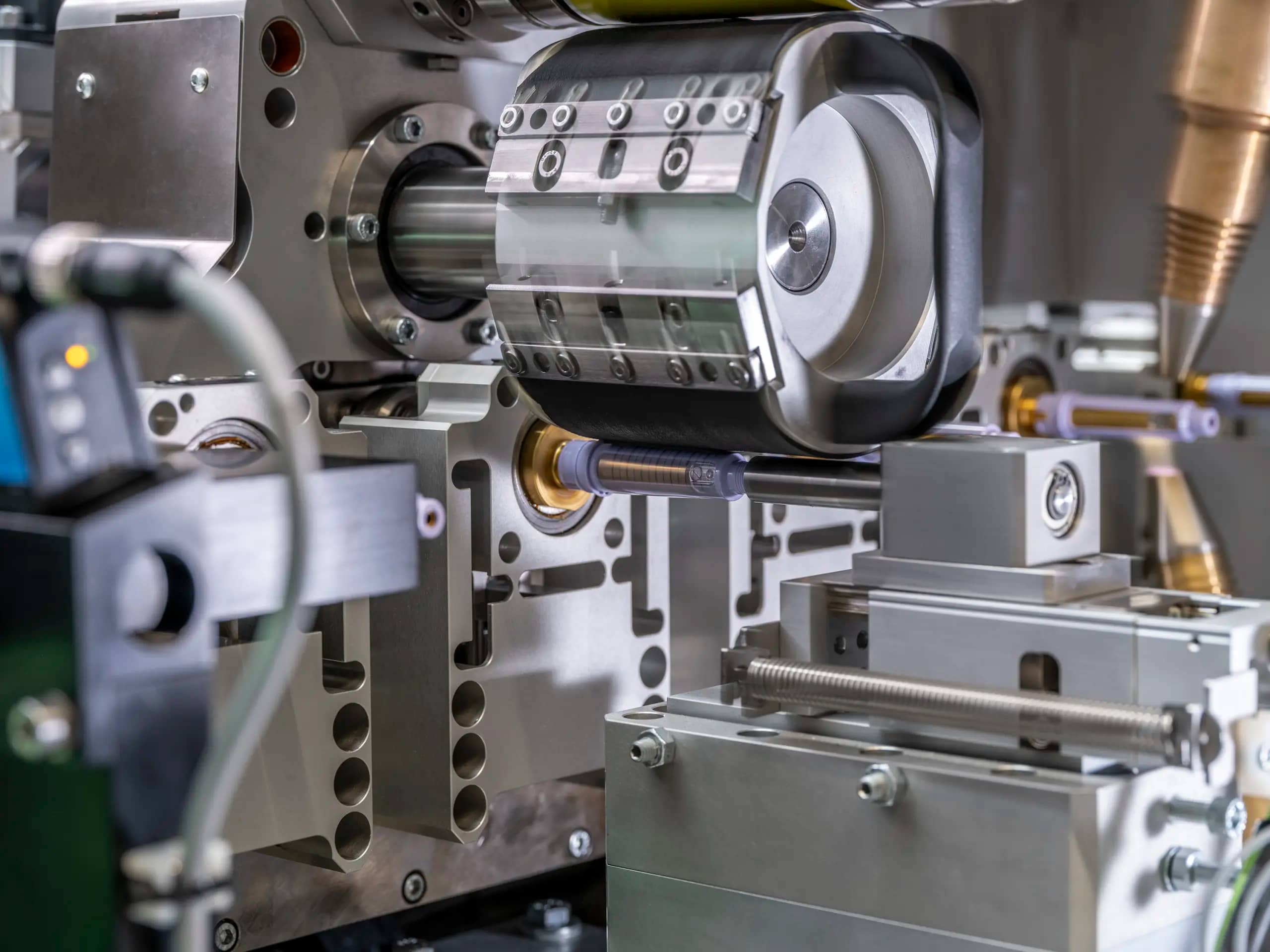
Bring product handling, printing and assembly into one production flow. Explore the choices that shape the machine, the finished print and everyday operation.
Explore the guidePrinting and assembly automation combines product handling, printing, ink setting, inspection and assembly within a coordinated system. Each operation must fit the component and leave it ready for the next step.
AAE develops printing and assembly systems and uses sample printing and Proof of Principle testing to investigate process choices. For engineers and production teams, the first questions concern the product, its artwork and what counts as an accepted part.
Explore AAE AutomationProduct geometry and the next assembly operation shape the complete line. Start with how each component is fed, supported and transferred.
Connect feeding, printing, curing, inspection and assembly in one product flow. Understand how the handovers and time available at each station affect the complete machine.
Explore system integrationKeep the component in a repeatable position through pickup, printing and transfer. Review orientation, gripping surfaces, fixture support and the timing of each handover.
Explore product positioningRoundness, taper, thin walls and protruding features affect print access and support. Consider rotation, the image seam and access for treatment, curing and inspection around the part.
Explore cylindrical printingThe artwork, material and frequency of product changes all matter. Compare the printing method together with its tooling, controls and setup requirements.
Compare the methods against the actual component and artwork. Product shape, print detail, campaign size and the surrounding equipment help determine which process is suitable.
Compare printing technologiesRepeating one image has different requirements from changing batch details or individual identifiers. Consider how artwork selection, product tracking and inspection keep the correct information with each part.
Explore artwork and variable dataAn artwork change, a different component and a new ink each require different work. Plan the tooling, cleaning, process settings and checks needed to release the next accepted product.
Plan product changeoversPrint appearance, attachment to the substrate and resistance in use need separate attention. Evaluate the actual material, surface preparation and ink-setting conditions.
Surface condition, ink compatibility and curing can all contribute to adhesion failures. Use the failure pattern and production records to decide which variable to investigate first.
Investigate ink adhesionCompare treatment access, coverage, heat input and the interval before printing. Confirm that the selected preparation works with the intended ink and preserves the component.
Compare surface treatmentsMatch the light source to the ink formulation and the complete printed surface. Include exposure, product geometry, cooling and the condition required before downstream handling.
Compare UV curing optionsAgree what an accepted product looks like and what its print must withstand. Connect each requirement to a test or inspection method before the machine concept is fixed.
Tape, scratch, abrasion and chemical-resistance tests assess different properties. Choose relevant methods and define the sample condition, procedure and acceptance criteria for each.
Explore print testingCameras can check visible features such as print presence, position and image defects. Review lighting, product motion and reject handling alongside the additional tests needed for adhesion and resistance.
Explore inline inspectionBring together the drawing, material, artwork, output, variant mix and acceptance requirements. Use representative samples and process trials to investigate uncertain steps before committing to the full system.
Prepare your system specification